

QQH Laptop Screen Extender, 15.6” Triple Portable Monitor for Laptop with Ultra-Slim FHD IPS Display, USB-C Plug and Play Extended Screen Compatible with MacOS, Windows, Android for 12-16″ Laptops
$63.99
Related Products


Product description
QQH 15.6″ ALLOY TRIPLE PORTABLE MONITOR UPDATES YOUR WORKSTATION-Z80A 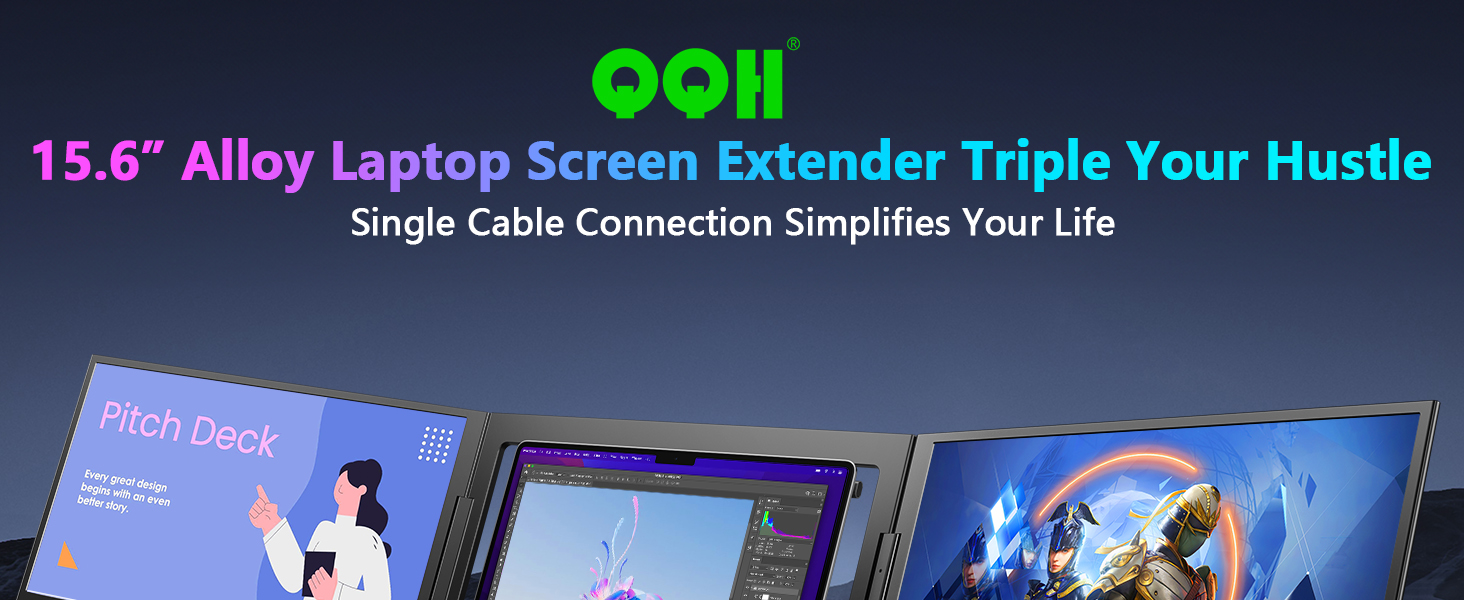
Please install the driver before connecting the Z80A to any MacOS, Windows, or Android device.


1 Extend Mode
2 Mirror Mode
3 Presentation Mode
4 Single Display Mode
5 Portrait Mode


1 Cafe 2 Office 3 Outdoor 4 Home


1 FQA
2 FQA
3 PACKAGE LIST
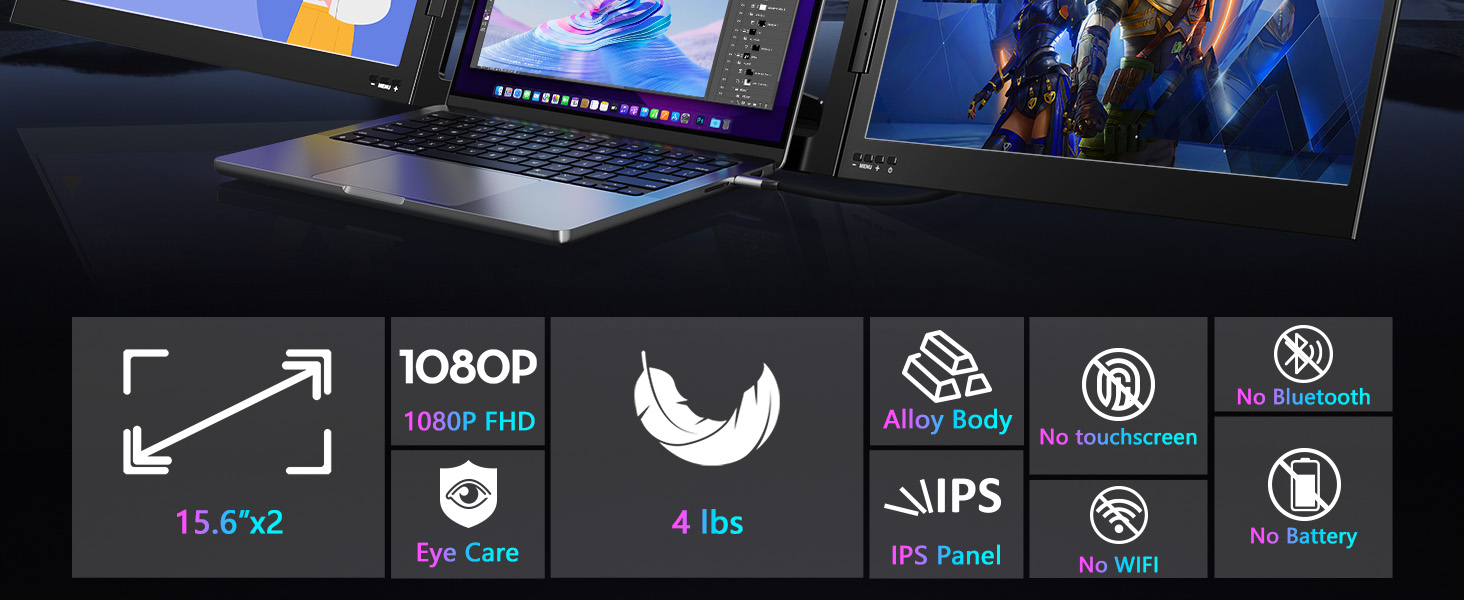
[Ultra-Slim 15.6” Alloy Dual Display] – The QQH Z80A laptop monitor extender features 0.15-inch ultra slim and dual 15.6-inch FHD 1080P IPS displays. With a 1920×1080 resolution, 178° viewing angle, 300 nits brightness, 360° rotation, 90°rotation built-in stand, and a 1200:1 contrast ratio, this monitor extension delivers a vivid, immersive visual experience.
[Upgraded Aluminum Alloy Tri-Screen] – With upgraded aluminum alloy materials and unique CNC cutting process, QQH Z80A multiple screens runs stable, durable and sleek features.Compared with traditional attachable multiple screens, QQH tri-screen also has an upgraded design that allows you to simply place the triple screen behind your laptop without causing any damage to your laptop’s screen, while making your laptop more flexible.
[One-Cable Laptop Screen Extender] – The QQH Double Screen for Laptops offers a simple plug-and-play experience with a single cable connection after installing the driver. Effortlessly connect your device using just one USB-C or USB-A cable (provided your device’s port supports full functionality). This sleek design reduces cable clutter, ensuring a clean and efficient workspace.( Driver Needed)
[Multi-Mode Productivity Laptop Monitor] – The QQH 15.6″ Tri-Screen Monitor Extender expands your workspace and maximizes productivity. With extended, mirror, presentation, and second screen modes, it enables efficient multitasking and can boost productivity by up to 300%. Easily share your screen during meetings with multiple modes for seamless collaboration. It’s perfect for those who are looking for more screen real estate but also want to be productive on the go.
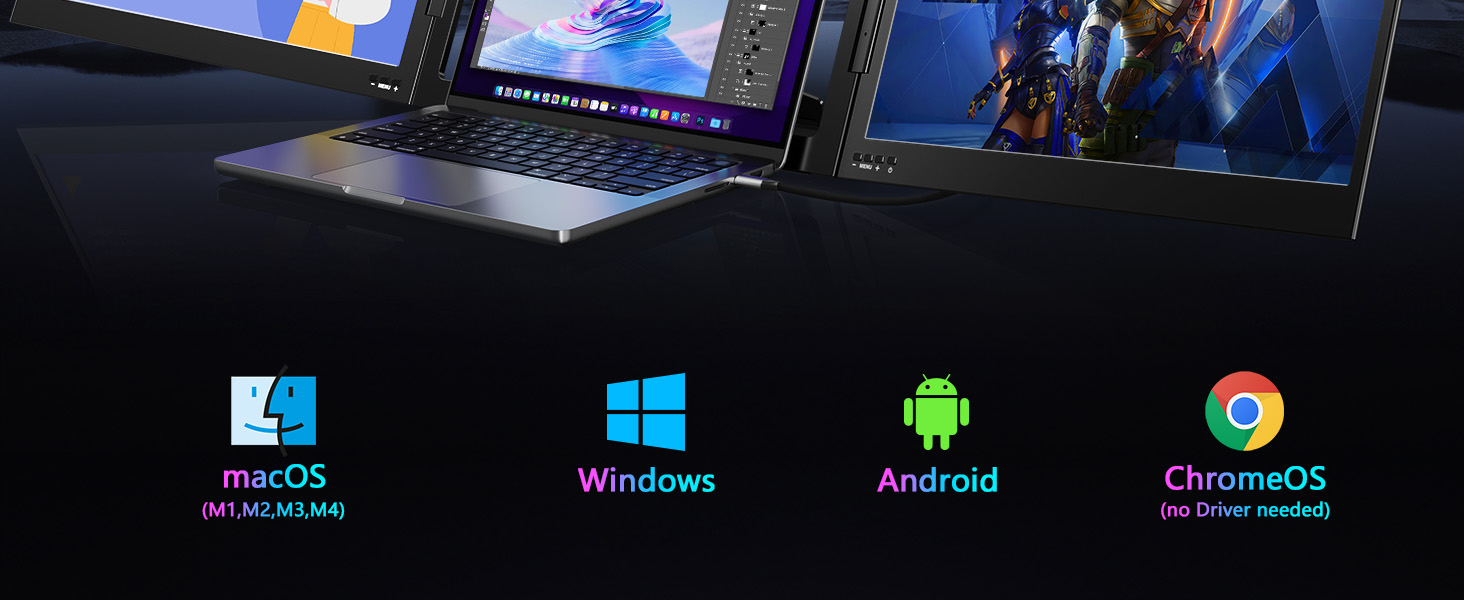
[Wide Compatible Display Extender] – This laptop monitor extender is compatible with ChromeOS, Windows, Android, and macOS (including MacBooks with M1, M2, M3, and M4 chips). Please note: installing our driver is required to enable full plug-and-play functionality. Once installed, you can enjoy a smooth and hassle-free multi-screen experience.
[Multi-Functional Multiple Screens] – Each screen of the portable laptop extender features dedicated control buttons, allowing you to easily adjust settings like brightness, contrast, and color temperature to suit your preferences. With a built-in memory function, your settings are saved for future use, ensuring a consistent and personalized viewing experience every time.
[Attention] – Z80A dual screen extender is compatible with 12 to 16-inch laptops and requires driver installation before use. Not compatible with work laptops that block software installation. Please note that the product is freestanding and it does not physically attach to your laptop—it functions as a portable, external display solution.
[Easy Setup with Driver] – Simply install our driver to unlock full dual-screen functionality. Please note: if your work computer restricts software installation, we recommend using a personal laptop for the best experience.
3 reviews for QQH Laptop Screen Extender, 15.6” Triple Portable Monitor for Laptop with Ultra-Slim FHD IPS Display, USB-C Plug and Play Extended Screen Compatible with MacOS, Windows, Android for 12-16″ Laptops
Add a review

$63.99
Joe Troy –
Setup Was A Breeze!! Best Tech Purchase I’ve Made In A Long Time!!
I am in the mortgage business and work a lot from home. This laptop screen extender allows me to multi-task and share information such as presentations with other team members as well.The setup was a breeze. No problems at all getting up and started, I love that it is foldable, lightweight and portable. I can bring it to the office when I need to.I am going on a business trip and I will be bringing this with me.The monitors are vibrant, crisp and clear. It’s actually better than my laptop’s screen.I am really loving the quality.Oh, and a really nice surprise was how I can connect it to my Samsung phone.That’s a gamechanger for me!I feel like this helps me to be more efficient and more productive.You can not beat the quality for the price. I highly recommend you get this if you need extra screen space, need to multitask or just want to look cool at the office
T –
Great Substitute For Broken Laptop Screen (Sound Fixed as Well):
My Dell laptop screen, perhaps seven years old, was giving me a dark bar down the right side, and then on start-up it would take forever, long black screen, and a lot of “playing around” with the physical screen (wiggling it and such) to get the picture to finally show up each morning.This Dell laptop has a one terabyte hard drive, over half filled, and start up times were taking forever; I wasn’t sure if the two were related or not, so I stopped filling the hard drive last summer.The problem didn’t improve. It would take a half an hour to get the screen to finally cooperate with what I thought was a long problematic start-up as compared to a screen/hardware issue. And that perhaps the problem somehow tied into the fact that this was a touchscreen (because slightly bending it would make the screen finally work), which I never used.Also had BUBBLES on occasion; a problem you can find others have, and worse, when the bubbles show up the cursor bounces around and *executes functions randomly and quickly* such that it can mess up your browser in seconds and/or ANYTHING you’re working on.And that too seemed to possibly be related to the touch screen, which again, I never used.I had enough.Bought this product on the chance that it had little to do with the actual problem, but was worth a try….AND IT WORKED. Fixed the whole problem. Proving that the Dell screen is broke.It was very plug-and-play; I connected the HDMI connector from that laptop to this product, and it recognized it immediately and showed me my desktop immediately.Picture is almost as good (perhaps exactly as good) BUT…the sound with this screen is bare minimum quality AND it defaults to this screen’s sound (my Dell laptop’s sound is much better).HOW I FIXED THAT: Settings>Sound>Output Device (Drop-down menu)>(Chose the only other option, which was my Dell laptop’s audio).That brought the sound back to my Dell laptop and I am happy. It’s much louder and better quality than this device.But this device has a great picture, IS a little bright as others have said, but is fine (and is adjustable).What would’ve surely been over $100 in repairs, I fixed via using this screen, so I’m basically happy. Computer now boots up in the normal time it always did, that I just couldn’t see due to the broken Dell screen. Funny how it was actually booting up at a normal speed the whole time, I just couldn’t see it, lol.P.S. For anyone else having any kind of similar problem, I no longer use “hibernate” from day to day; I shut down completely. My start up time remains far faster from full shut down than it ever did from hibernate mode. Might wanna try doing that if you’re having any start up time issues and/or screen issues.Great product, decent price, solved my problem, cheers.
rachel Sav –
OBSESSED. Best Screen Extender on the Market—Hands Down!
I am obsessed with this screen extender! The quality of the screens is actually better than my laptop’s built-in display—crisp, vibrant, and crystal clear. The color and clarity blew me away the moment I turned it on.At first, I thought I wanted a model that physically attaches to my laptop, but I’m so glad I chose this one instead. It’s way more flexible and comfortable to use, especially when traveling or switching setups. I brought it with me to Tennessee for a week of remote work, and it was a total game changer.I spent a month researching different screen extenders before buying this one—and I’m telling you, stop your search now. This is the one. It’s lightweight, portable, high-performing, and honestly better than my full-size monitors at times.If you’re working remotely or need extra screen space on the go, don’t hesitate. This product is incredible. One of the best tech purchases I’ve made all year!