

Stylus Pen for Android Tablet, Pom Tip Tablet Pencil for ios/Android,Rechargeable Active Stylus Pen for iPhone /Samsung/XiaoMi/Huawei/Vivo/Lenovo and Other Android Smartphones and Tablets-Black
$9.99
Related Products





From the brand
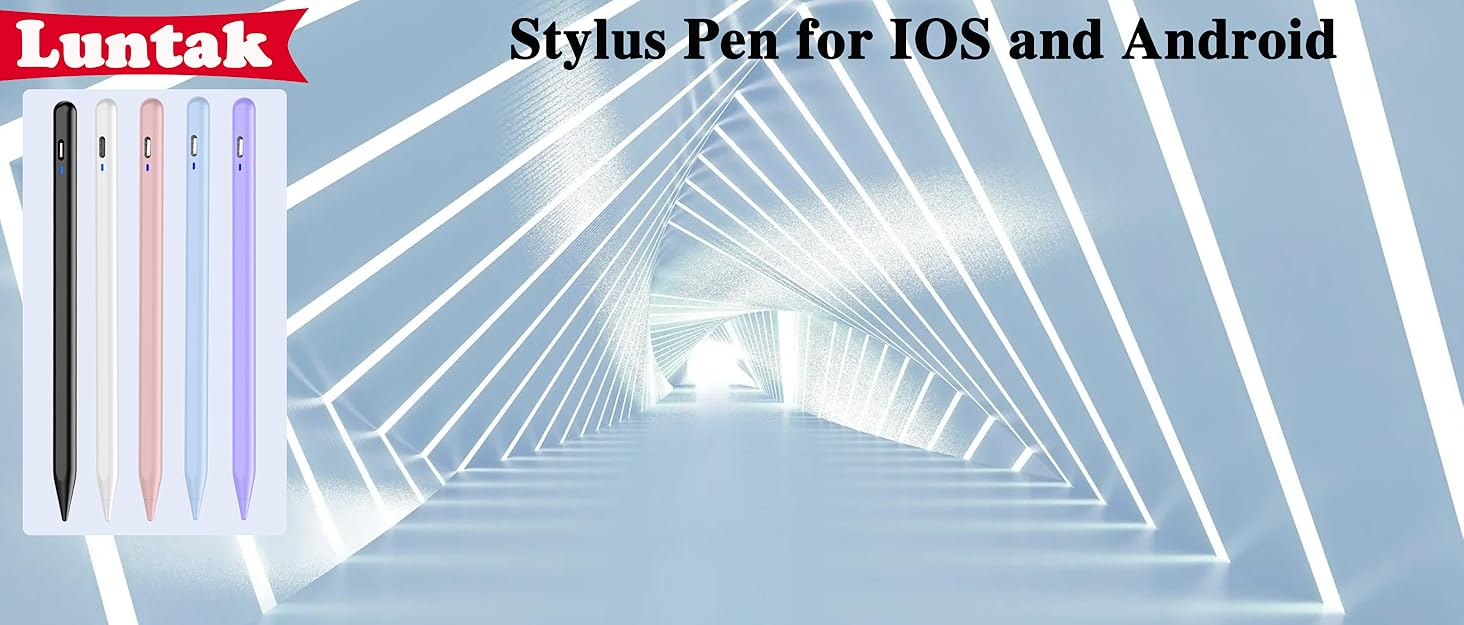
Luntak Android Stylus Pen
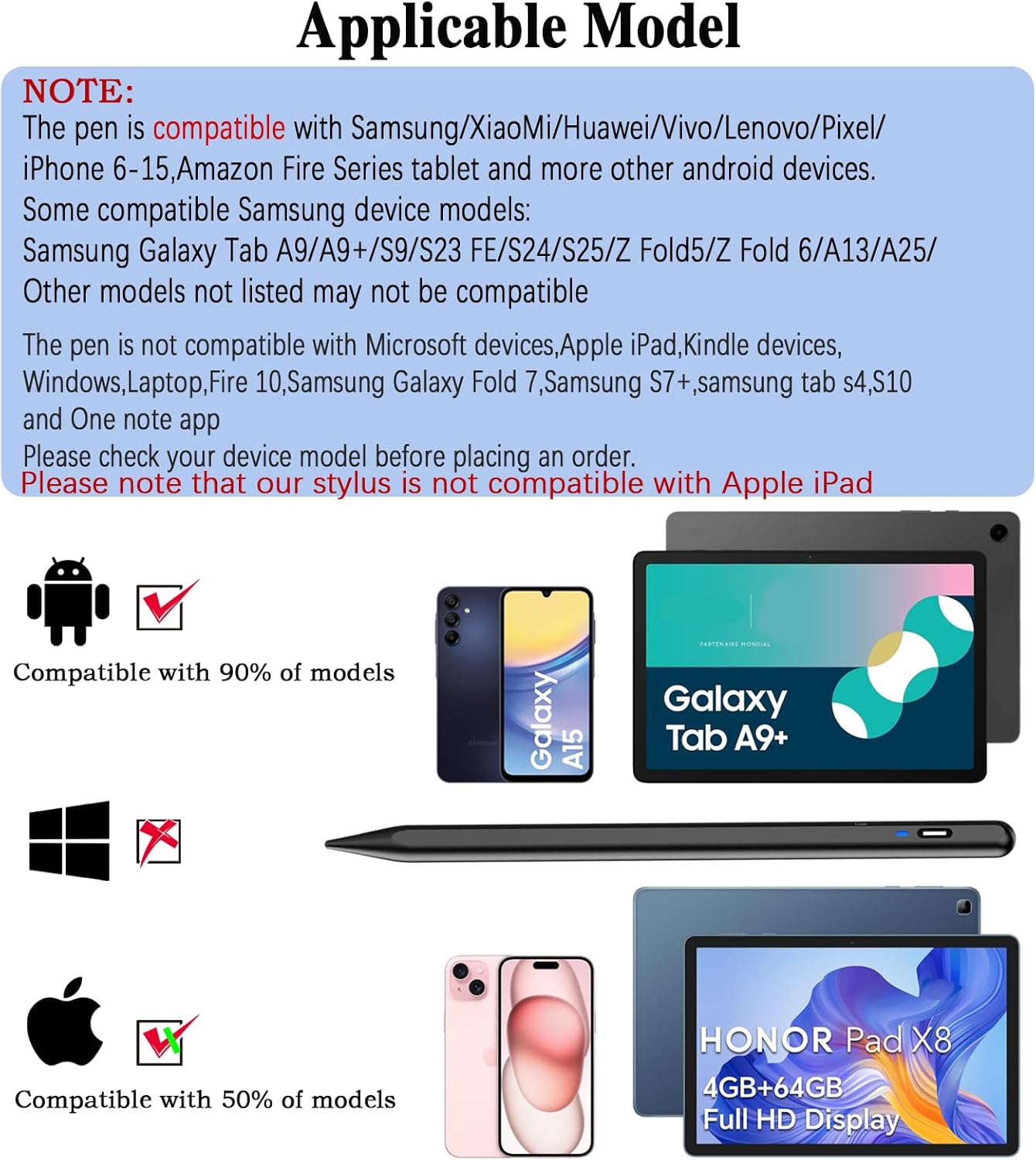
Note: This lenovo pen is not compatible with iPad,Microsoft,Windows,Laptop Kindle devices,Samsung S7+ and One note app.
Stylus Pen for Android Tablet
Stylus Pen for iPhone
Stylus Pens for Touch Screens
Stylus Pen for iPad(2018-2025)
【Wide Compatibility】-This stylus pen for touchscreen is for capacitive screen electronic product and is specially designed for Android device on the market.The iphone stylus pen is suit with Samsung/XiaoMi/Huawei/Vivo/Lenovo/Pixel/iPhone 6-15 ,Amazon Fire Series tablet and other android device. Some compatible Samsung device models-Samsung Galaxy Tab A9/A9+/S9/S23 FE/S24/S25/Z Fold5/Z Fold 6/A13 /A25/ (Note: This lenovo pen is not compatible with Microsoft devices,Apple iPad,Kindle devices,Windows,Laptop,Fire 10,Samsung Galaxy Fold 7,Samsung S7+,samsung tab s4,S10,A10 and One note app. Please check your device model before placing an order.Please note that our stylus is not suit with iPad.
【Smart Touch Switch & Power Save】-The touch screen pen stylus is easy to use: just double-tap the top of the android tablet stylus pen . There’s no need for drivers or bluetooth settings. This iphone pen uses the USB-C charging port,just 35 minutes of charging will give you 8-10 hours of operation.Our digital pen has smart energy-saving feature, automatically turn to “sleep mode” after 5 minutes of inactivity and avoid unnecessary battery consumption.
【High Precise and Sensitive】-The pom tip of the stylist pen is wear-resistant,designed for professionals who need high precision and accuracy,is a great feature for anyone who uses a stylus pen android for designing work or drawing. They are very smooth and high responseon the screen, without lag or jumping.Luntak android stylus pen also a great gift for family and friends who love to create.
【Magnetic Absorption】-The magnetic feature is a great convenience for users who want to keep their samsung pen close at hand and prevent it from getting lost,more portable and more easier to organize.(Note:Magnetic adsorption is ONLY for iPad mini 6,iPad air 4th&5th,Pro 11″ (1st&2nd&3rd&4th),iPad Pro 12.9″ (3rd&4th&5th&6th). The magnetic spots on other tablets may not match perfectly.)
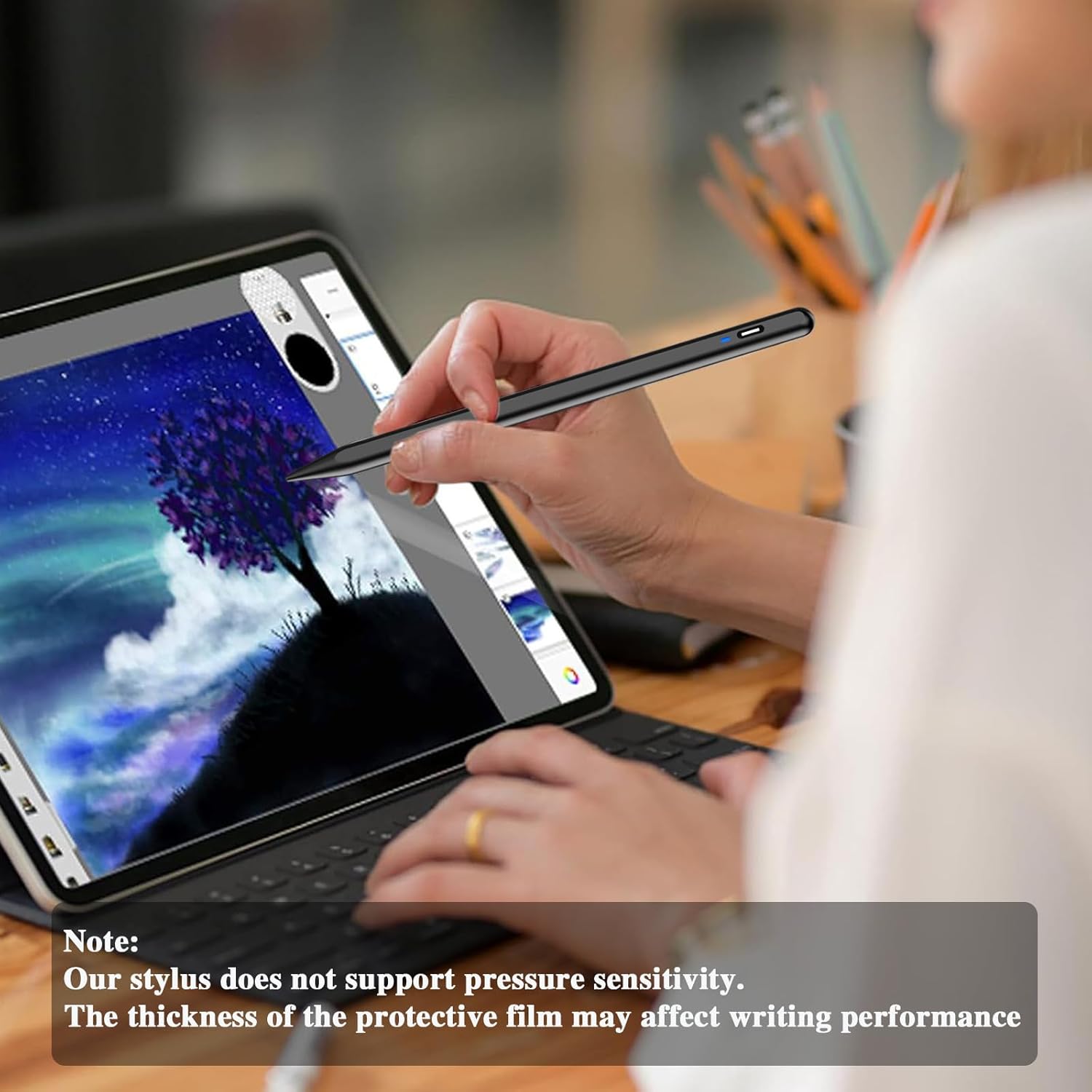
【What You Get】-Our tablet pens for touch screen set includes:1* stylist pens,3* Replaceable POM Tips,1* Type-C charging cable,1* User Manual.We support 1-year product warranty and 1-month free return and exchange policy for our pen with stylus tip. If you encounter any issues, please don’t hesitate to contact us. Please note the apple pens does not support palm rejection, so avoid touching the screen with your hands.Does not support pressure sensitivity.
6 reviews for Stylus Pen for Android Tablet, Pom Tip Tablet Pencil for ios/Android,Rechargeable Active Stylus Pen for iPhone /Samsung/XiaoMi/Huawei/Vivo/Lenovo and Other Android Smartphones and Tablets-Black
Add a review

$9.99
EG –
Quite good. Far exceeded expectation…
This pen far surpassed my expectation at this price point. It worked on most of my Android tablets and both my Android phones. It worked far better than a passive pen. Don’t bother with a passive pen. Get this pen instead.This pen is good if you have very large hands and you have difficulty using a small Android device.This is an active pen, so it is very reliable on quality devices with quality sensors. It works good for point and click and handwriting. Drawing is possible, but it is not pressure sensitive. The effective number of levels is 2: on or off. It worked great with Tux Paint and the Samsung Notes app. For a higher quality pen, look for something with many more levels.If you intend to use it on an Amazon Fire, Amazon has its own active pen. It costs more, but it has 4096 levels and is far better for drawing.The only disappointing device was the Suicoey Android tablet. The Suicoey tablet does not have quality sensors, so drawing and hand writing did not work. Calibrating the sensors made no improvement. If you intend to use a cheap tablet, it may not work. Get a better tablet from a recognizable name brand.FYI: If you don’t read instruction manuals, turn it on by double tapping the round end.I verified this pen worked on:Samsung Galaxy A10eSamsung Galaxy A04eAmazon Fire Max 11 (11 inch, 64GB, 13th gen, 2023 release)Amazon Kindle Paperwhite (6.8 inch, 16GB, 11th gen, 2021 release)It is not recommended for Kindle Paperwhite, because its plastic screen will scratch. If you use a removable protector sheet, the pen ought to work.It partially works on:Suicoey Android 15 (10 inch, 16GB+128GB release)(point and click only)
fench –
Reliable and Affordable Stylus
This stylus pairs easily and writes smoothly with good sensitivity. It charges quickly, includes spare tips, and has a comfortable grip. Works well for notes, drawing, or kids’ tablet use at a reasonable price.
Amy Kaylorboys –
Stylus Pen
⭐️⭐️⭐️⭐️⭐️ Smooth, Accurate, and Great Battery LifeThis stylus pen works perfectly across multiple devices! I’ve used it on both Android tablets and smartphones, and it responds smoothly with no lag. The POM tip glides easily across the screen, making it great for writing, drawing, scrolling, and precise tapping without scratching the display.I really like that it’s rechargeable—the battery lasts a long time, and it charges quickly. It connected instantly and didn’t require any complicated setup, which is a huge plus. It works well with my Android devices and also functions seamlessly on iOS devices, making it very versatile.The pen feels lightweight yet sturdy, comfortable to hold for extended use, and much more accurate than using a finger. For the price, this is an excellent alternative to more expensive brand-name styluses. Highly recommend for anyone looking for a reliable stylus for phones or tablets! ✍️📱
James Powers Jr –
Works well on Android devices, little buggy when low charge
Long time artist in Traditional mediums and Digital, working as a professional Tattoo artist, so accuracy is a Must. I was honestly expecting this to be garbage, but have Gladly been proven wrong.Pros:-It charges pretty fast (1 hour tops for multiple hours of steady use)-Maintains stroke consistency while drawing on my tablet (tested with Krita Beta, Ibis Paint, Canva, and ArtFlow, with the tablet connected to a computer and on the tablet by itself)-Touch sensitivity with a generic matte plastic screen protector has been surprisingly good-Battery life is good for long drawing sessions-Works consistently on my off-brand Android tablet, Amazon Fire HD tablet, and my Motorola phone screen (good multi device function)-Has survived multiple drops and hard impacts (I’m clumsy, s@#$ happens)Cons:-Haven’t tried it with a Glass screen protector yet-Definitely HAVE to use a screen protector to avoid scratches on the device-Could do without the Auto Off feature every hour or so (I’ll binge draw if I choose, thank you!)-Function gets a little buggy when the charge is low-No real battery life indicator, it just bugs out during use and dies**Neutral comments: Great for use as a regular stylus, but don’t judge this pen for it’s Drawing capability Before fixing your device/program settings. Smoothness, line accuracy, and line quality will be Significantly better with adjustments to Anti-aliasing and Delay settings. Some programs (like Krita) need to have Touch settings adjusted to work well with this type of pen.**Overall, this has been a solid purchase and well worth the price, especially with the market being almost non-existent for Android compatible pens. Even without the Smart pen features, this has been a reliable alternative to the expensive name brands. Will definitely buy again when this one eventually craps out
Laura –
Affordable stylus that works great
This stylus is easy to pair and writes smoothly on the screen with good sensitivity. It charges fast, comes with extra tips, and feels comfortable to hold. Perfect for notes, drawing, or kids’ tablets without paying Apple Pencil prices.
DFranco –
Perfect All-in-One Stylus for All My Devices!
I’m really impressed with this stylus! It works perfectly on my HP tablet, iPhone, and iPad Pro. Super responsive and smooth on every screen. The pom tip makes writing and drawing feel natural, and the 5-minute auto shutdown is a great feature to save battery. No setup needed, just turn it on and start using. Definitely worth it if you want one pen that works across all your devices.